
Release date: October 12th 2023, updated November 17th 2023
Welcome to my ControlUp section. Here I will show how I installed the ControlUp Solve On-Premises Virtual Appliance.
As pr. ControlUp’s documentation here: Solve On-Premises Installation, the prerequisites for ControlUp Solve On-Premises are:
Software
- The latest OVA file for deploying the SOP appliance. If you do not have this file yet, contact our support team.
- A VMware vSphere client to deploy the OVA file.
- At least one running ControlUp Monitor.
- A valid license for Solve. Refer to the Solve license section to learn more.
Hardware
Verify that you meet the following requirements for the virtual machine where you install SOP:
- 2 vCPUs
- 8 GB RAM
- 50 GB free disk space
Network
The SOP Server communicates with the ControlUp Monitors over TCP port 443. Verify that this port is open and that the monitors can resolve the SOP Server via DNS. Create the necessary A (Host) and PTR records on your DNS server.
Before I start I download the necessary OVA file.

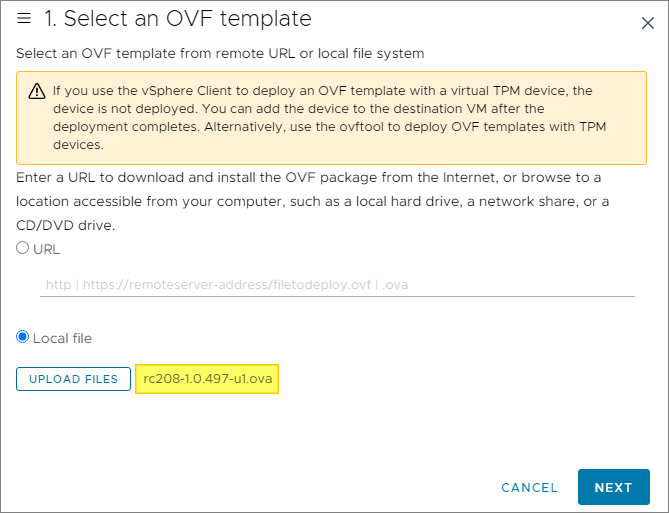
In vCenter, I select Deploy OVF Template. Browse and select the OVA file, Next…
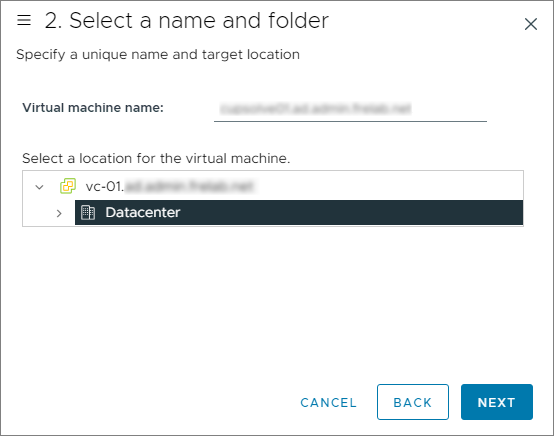
I provide a VM name and select a folder for placement, Next…
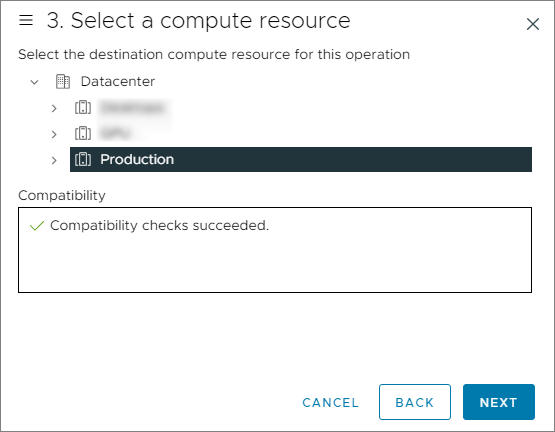
I select my Production Cluster as compute resource, Next…
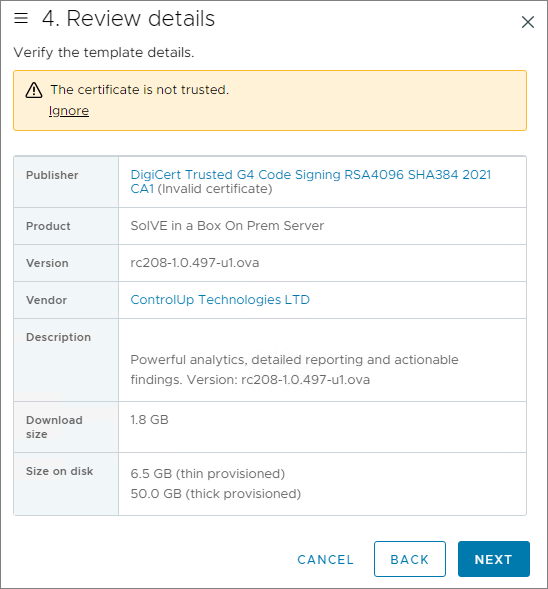
I review the details and click Next…
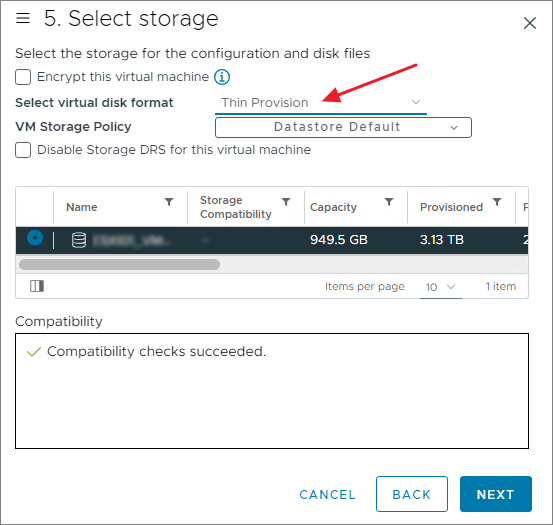
I choose datastore and virtual disk format, Next…
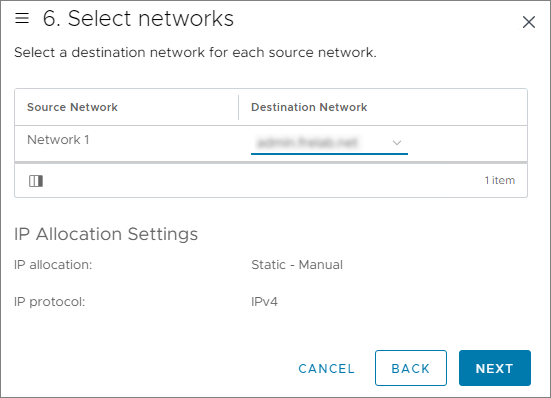
I select the correct Destination Network, Next…
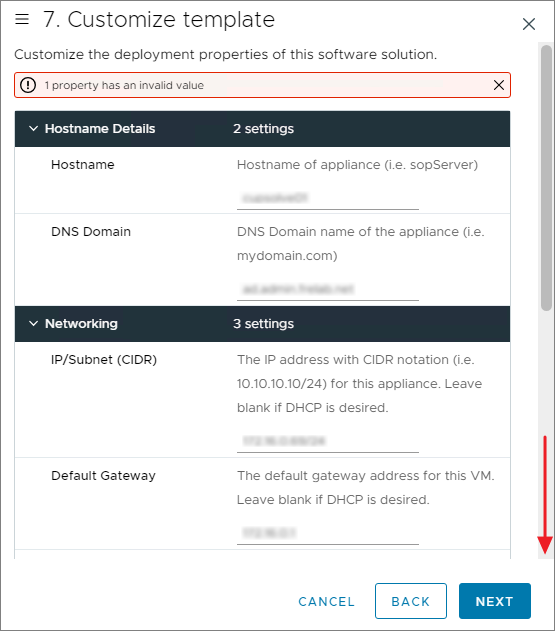
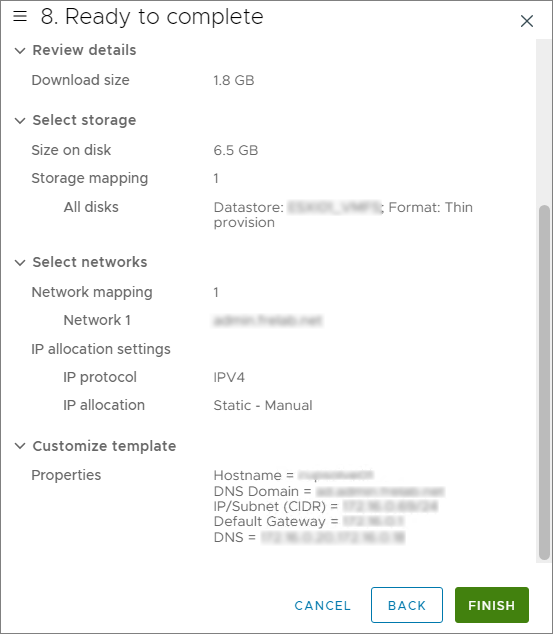
In the customize template wizard, I fill in all the necessary network-information. NOTE: There is a known issue with “hyphen in the Hostname or DNS Domain”, if you use this, as I did, read this: Solve On-Premises 8.7: Hyphen in the hostname or domain of SOP server is missing, Next…
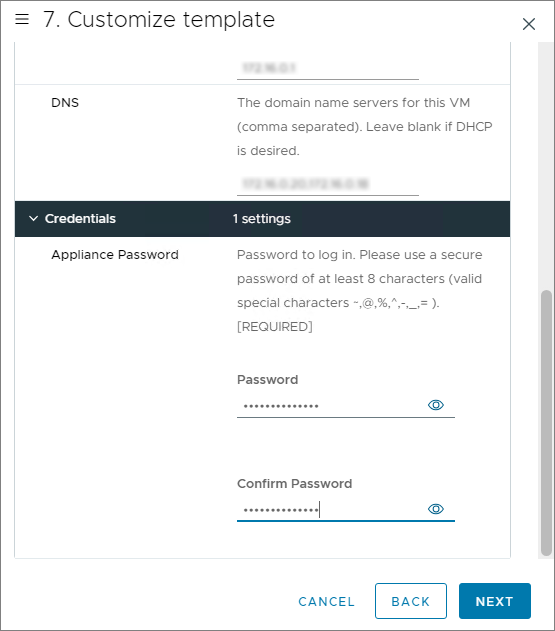
Finally I click FINISH to start the installation of the new IOP server.
While the installation finishes in vCenter, I create a static DNS-pointer for the new IOP server.

Once the installation is done, I power on the VM in vCenter.
ControlUp On-Premises setup:
- Solve
- Insights
- ControlUp Server
- Real-Time Console
- Define Credentials
- Connect VMware vCenter
- Connect VMware Horizon
- Monitor
- IOP Forwarder
- Agent (Silent)
- RemoteDX
Official ControlUp documentation:
- Welcome to Solve
- Solve On-Premises Virtual Appliance Installation
- ControlUp Architecture – On-Premises
Other miscellaneous Tips & Tricks
Disclaimer: Every tips/tricks/posting I have published here, is tried and tested in different it-solutions. It is not guaranteed to work everywhere, but is meant as a tip for other users out there. Remember, Google is your friend and don’t be afraid to steal with pride! Feel free to comment below as needed.
 bjosoren's IT-Tech blog