
Release date: October 17th 2023
Welcome to my ControlUp section. Here I will show how I replace the self-signed certificate for Insights with a domain CA signed certificate. As pr. ControlUp’s documentation here: Insights On-Premises: Replace Certificate, it is recommended to use a domain CA signed certificate for this role. Before I start I connect using Putty, log in with the cuadmin-user and verify the servers FQDN using the following command:
$ hostname
<FQDN IOP Server>
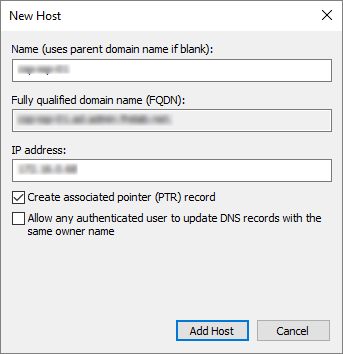
I also verify both forward and revers DNS resolution.
I download the file openssl-san.cnf and adjust commonName and alt_names

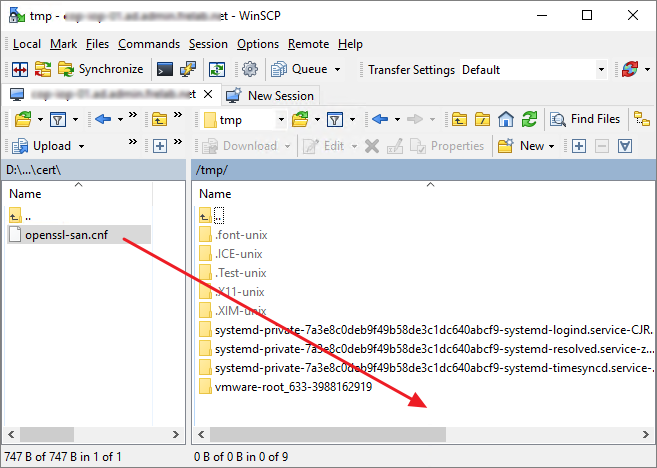
Once done, I copy the file to the /tmp folder in my IOP server using WinSCP
Using Putty, I run the following command from the /tmp folder:
openssl req -newkey rsa:2048 -subj "/C=US/ST=FL/L=MI/O=CU/CN=<FQDN IOP Server>/" -nodes -sha256 -keyout server.key -out server.csr -config openssl-san.cnf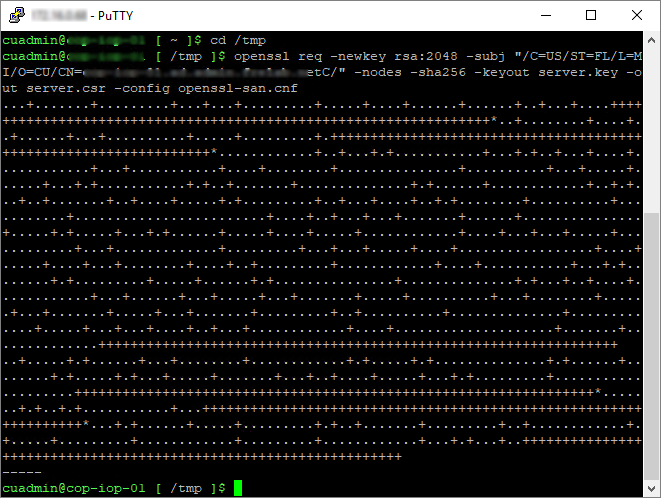
This produces the two files server.csr and server.key

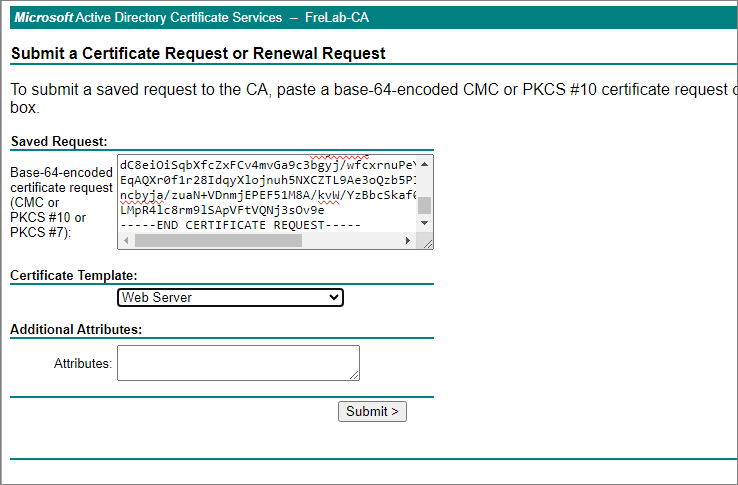
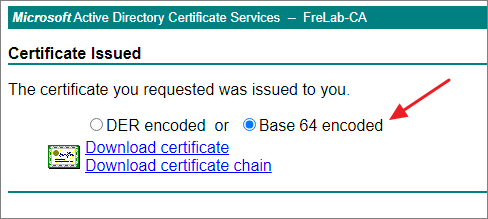
I download the server.csr file and submit the request to my domain CA before I download the certificate Base64 Encoded
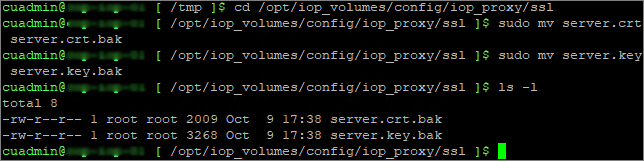
I back up the existing server.crt and server.key files in the folder: /opt/iop_volumes/config/iop_proxy/ssl.
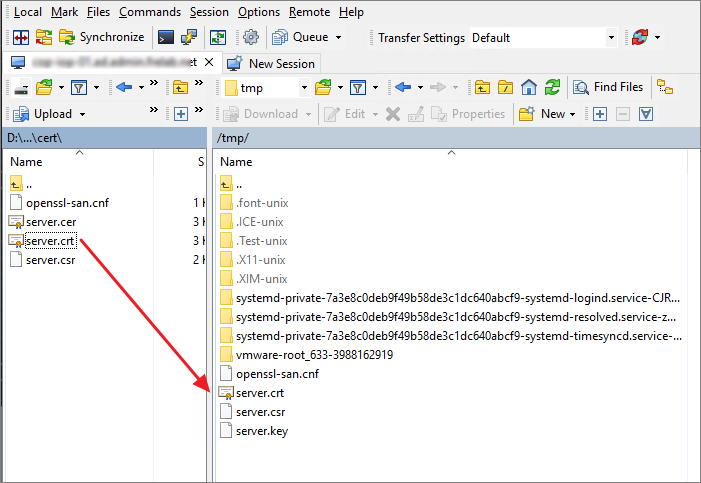
Next i copy the new server.crt to the IOP server using Winscp, before I copy both server.crt and the server.key file from /tmp to /opt/iop_volumes/config/iop_proxy/ssl.
sudo mv server.crt /opt/iop_volumes/config/iop_proxy/ssl
sudo mv server.key /opt/iop_volumes/config/iop_proxy/ssl
Finally, I reload NGINX using the following command:
sudo docker container exec iop_proxy nginx -s reload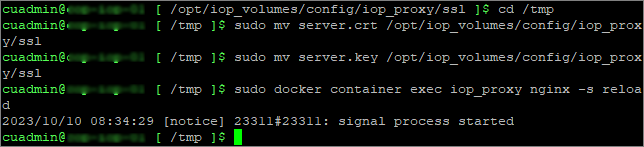
I FINISH of by checking the IOP servers web-portal.

ControlUp On-Premises setup:
- Solve
- Insights
- Replace Insights Self-Signed Certificate
- Configure LDAPS Integration
- ControlUp Server
- Real-Time Console
- Define Credentials
- Connect VMware vCenter
- Connect VMware Horizon
- Monitor
- IOP Forwarder
- Agent (Silent)
- RemoteDX
Official ControlUp documentation:
Other miscellaneous Tips & Tricks
Disclaimer: Every tips/tricks/posting I have published here, is tried and tested in different it-solutions. It is not guaranteed to work everywhere, but is meant as a tip for other users out there. Remember, Google is your friend and don’t be afraid to steal with pride! Feel free to comment below as needed.
 bjosoren's IT-Tech blog