
Release date: February 11th 2025
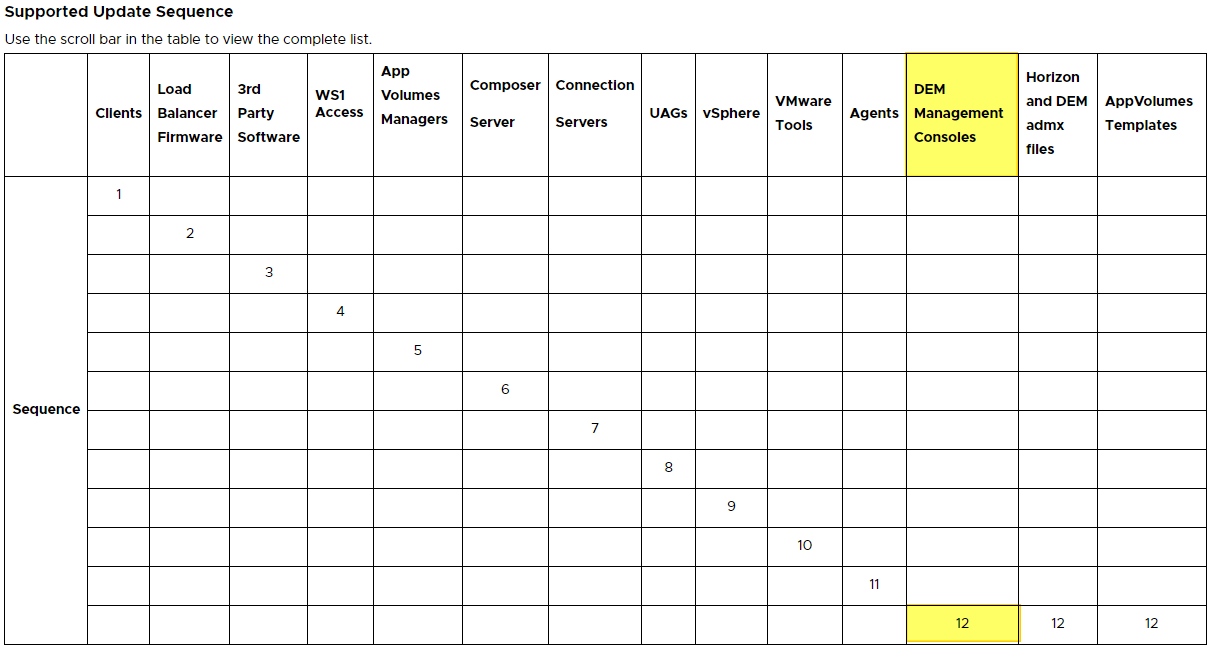
Welcome to my Omnissa Dynamic Environment Manager series. In this session I will describe how I upgraded the Dynamic Environment Manager Management Console to v. 2412. According to Omnissa’s official documentation, this should be done as step 12 in the supported update sequence.
I start out by downloading the installation media from Omnissa Customer Connect

Before I start the upgrade, I verify the installed version and build

I extract the downloaded “Omnissa-DEM-Enterprise-2412-10.14.zip“-file and launch the executable “Omnissa Dynamic Environment Manager Enterprise 2412 10.14 x64.msi“

When the Omnissa Dynamic Environment Manager Enterprise Setup Wizard launches, I accept the license terms, Next…

I confirm the destination folder, Next…

Select the Management Console feature, Next…

Upgrade…

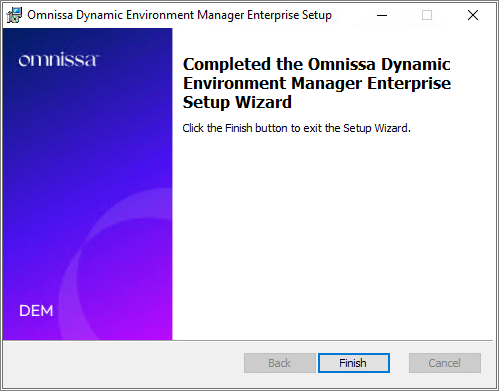
Once the installer finishes, click Finish…
Once the installer has upgraded the DEM Console, I verify the installed version

When I open the Management Console I notice at least a few visual improvements

This concludes my session about upgrading the Dynamic Environment Manager Management Console to v. 2412. I can now proceed with upgrading the GPO-bundles, posted here: Dynamic Environment Manager – Upgrade GPO Templates to v. 2412
Omnissa Documentation:
Dynamic Environment Manager – Upgrades
Disclaimer: Every tips/tricks/posting I have published here, is tried and tested in different it-solutions. It is not guaranteed to work everywhere, but is meant as a tip for other users out there. Remember, Google is your friend and don’t be afraid to steal with pride! Feel free to comment below as needed.
 bjosoren's IT-Tech blog