
Release date: February 14th 2025
Welcome to my Omnissa Horizon series. In this session I will describe how I upgraded my Horizon Enrollment Server to v. 2412. The upgrade of the Enrollment Server is quite similar to upgrading the Connection Servers. According to Omnissa’s official documentation, this should be done as step 7 in the supported update sequence.

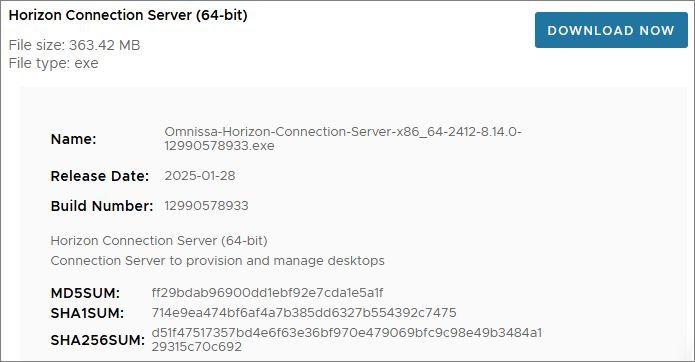
As with the Connection Server upgrade, I start out by downloading the installation media from Omnissa Customer Connect
Before I start the upgrade, I verify the installed version

I start out by launching the installer

When the Installation Wizard opens and prompts to upgrade, Next…

I confirm the destination folder, Next…

Once the installer finishes, click Finish…

Once the installer has upgraded the Enrollment Server, I verify the installed version

This concludes my session about upgrading the Enrollment server to v. 2412. I can now proceed with upgrading the Horizon Recording Server, posted here: Horizon – Upgrade Horizon Desktop Recording Server to v. 1.12.0
Omnissa Documentation:
Horizon planning, deployment etc.
Disclaimer: Every tips/tricks/posting I have published here, is tried and tested in different it-solutions. It is not guaranteed to work everywhere, but is meant as a tip for other users out there. Remember, Google is your friend and don’t be afraid to steal with pride! Feel free to comment below as needed.
 bjosoren's IT-Tech blog