
Release date: May 22nd 2025
Welcome to my Omnissa Horizon series. In this session I will describe how I upgraded my Horizon Connection Servers to v. 2503. According to the Release Notes below, these are some of the changes to the Horizon Connection Server:
Horizon Connection Server
- The ADAM instance application partition name has been updated with “horizon” to ensure consistency for brownfield customers. For greenfield or new customers, the partition name will default to “horizon.
- New Partition Name:
- Local LDAP: dc=vdi,dc=horizon,dc=internal
- Global LDAP: dc=vdiglobal,dc=horizon,dc=internal
- To assist brownfield customers with the transition to the updated application partition names, Omnissa provides a migration script that updates the partition names while ensuring data integrity. After upgrading all pods to Horizon 2503, customers can run the script to permanently update their deployments to the new application partition naming convention, ensuring a seamless migration without data loss. See KB 6000797 for details and for the migration script.
- Horizon 8 now supports Horizon Connection Server on Microsoft Windows Server 2025 for greenfield deployments. Enhancements include Enrollment Server support, True SSO with Microsoft CA, Active Directory (2025 domain functional level), and Event Database support with a compatible Microsoft SQL version. For operating system support details, see KB 78652.
Previously I have shown how to do this with PowerShell and PowerCLI, in this session I will show how to do this manually, mainly due to the extensive changes in paths and names as describe by Omnissa here: Rebranding Changes in Omnissa Horizon Products (6000681)
Before I start, I review Omnissa’s documentation describing this topic:
As I have a Cloud Pod Architecture, I also check that replication is flowing without errors, as described by Omnissa here:
In some cases, I have seen upgrade errors caused by replication problems and has had to seize the schema master node, as described by Omnissa here:
To identify the server holding the FSMO Schema Master role, I verify this in the System Health Dashboard in the Connection Server Console


This can also be verified by running the LDAP Browser (ldp.exe), as described by Omnissa here:
According to Omnissa’s official documentation, the Connection Server upgrade should be done as step 7 in the supported update sequence.

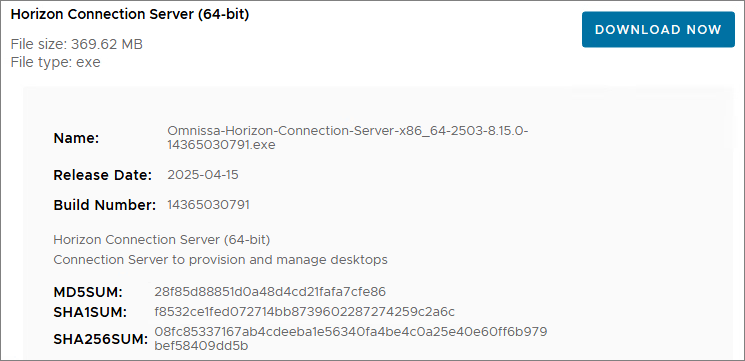
I start out by downloading the installation media from Omnissa Customer Connect
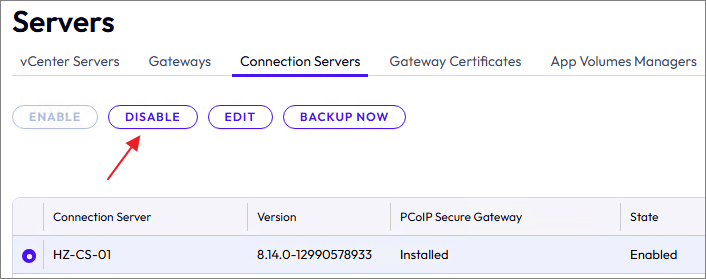
Before I start, I disable the Connection Server I’m going to upgrade

I log into the Connection Server thats not getting upgraded and transfer the SchemaMaster roles to this server. I allow replication to run and verify the status, before I continue.
vdmadmin -X seizeSchemaMaster
vdmadmin -X seizeSchemaMaster -global
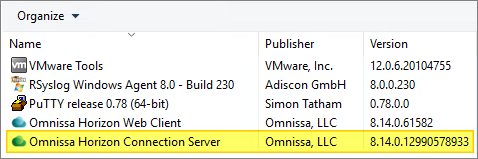
First, I verify the installed version:
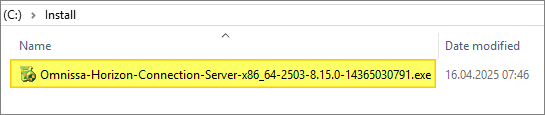
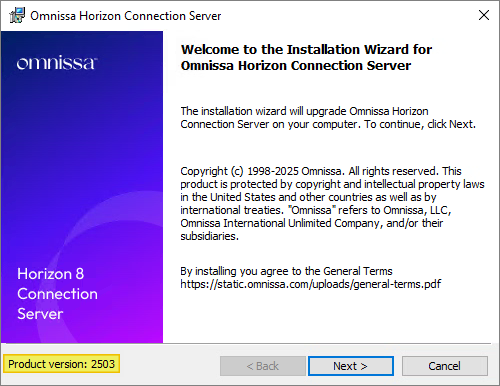
I start out by launching the installer
When the Installation Wizard opens and prompts to upgrade, Next, Next, Next…
I confirm the destination folder, Next…
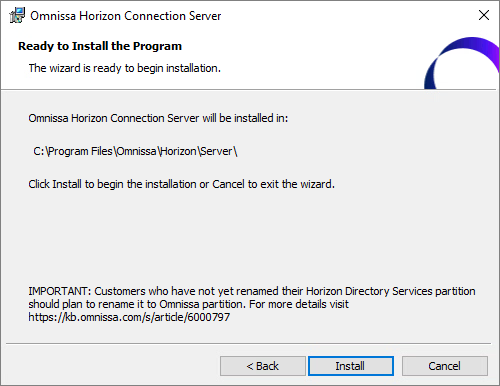
Once the installer finishes, click Finish…

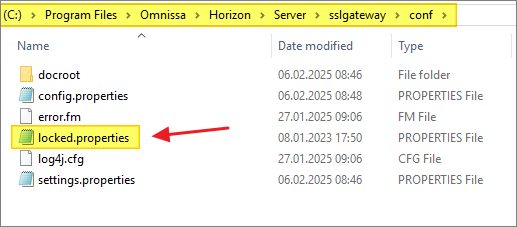
Before I restart the Connection Server, I verify the locked.properties-file, as I use UAG’s in my infrastructure
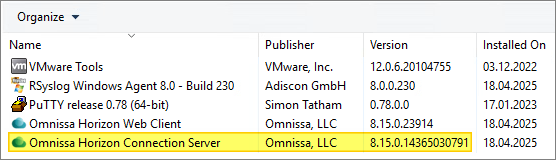
Once the installer has upgraded the Connection Server, I verify the installed version
I can now verify that all setting are correct before I re-enable my upgraded Connection Server
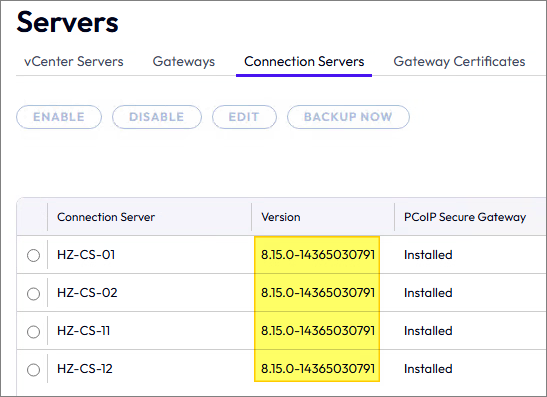
I transfer the Schema Master roles to my upgraded Connection Server, wait for replication and verify status, before I proceed with upgrading my replica servers.

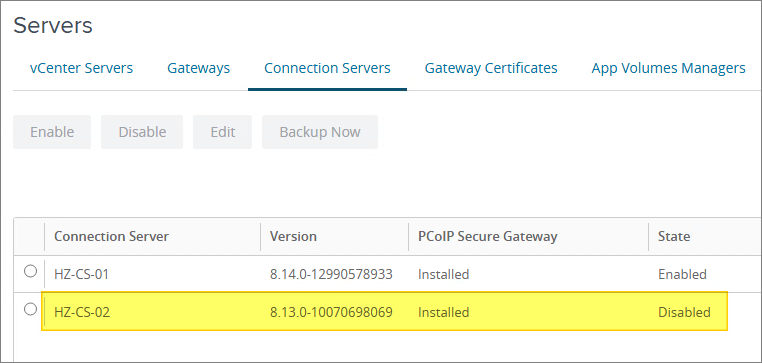
When my replica server is upgraded, I upgrade the connection server in my remote pod and verify that there are no errors after the upgrade.
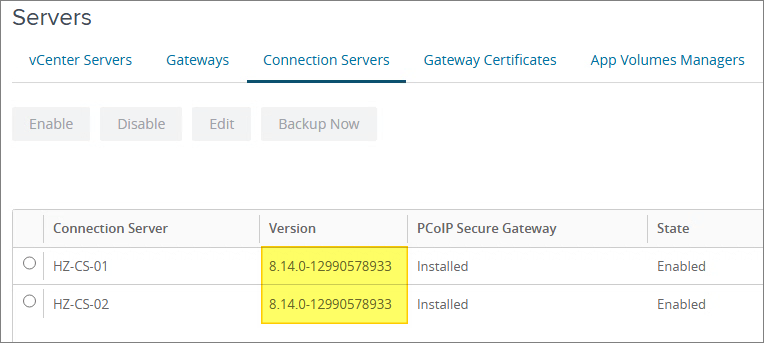


With the Connection Servers upgraded, I can now proceed with upgrading the Horizon Enrollment Server, covered here: Horizon – Upgrade Enrollment Server to v. 2503
Horizon 8 Documentation:
Omnissa Documentation:
- Rebranding Changes in Omnissa Horizon Products (6000681)
- Horizon 8 Upgrade Overview
- Product Interoperability Matrix
- Omnissa Product Documentation
Horizon planning, deployment etc.
Disclaimer: Every tips/tricks/posting I have published here, is tried and tested in different it-solutions. It is not guaranteed to work everywhere, but is meant as a tip for other users out there. Remember, Google is your friend and don’t be afraid to steal with pride! Feel free to comment below as needed.
 bjosoren's IT-Tech blog