
Release date: February 20th 2021, Updated February 3rd 2023
Welcome to my Dell Wyse Management Studio section. In this sub-section I will describe how I requested a certificate to use with my WMS server and how I installed it. When I installed the WMS server it was installed with a self issued certificate, this I will now replace with a domain CA issued certificate
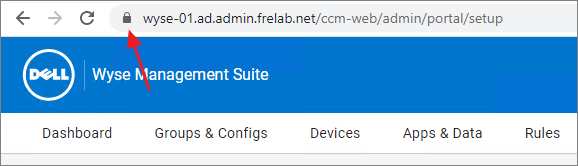
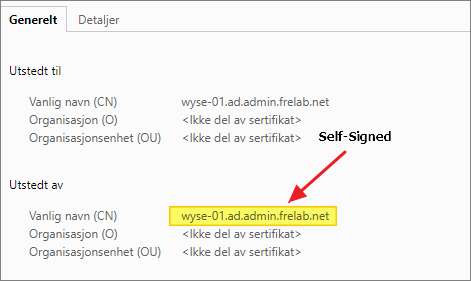
Before I can request a certificate from my domain CA, I first have to create a certificate template. How I created the certificate template for my WMS server, I have described here: Dell WMS – Certificate Template Creation. Once the certificate template is ready, I launch the certificates MMC and start the request
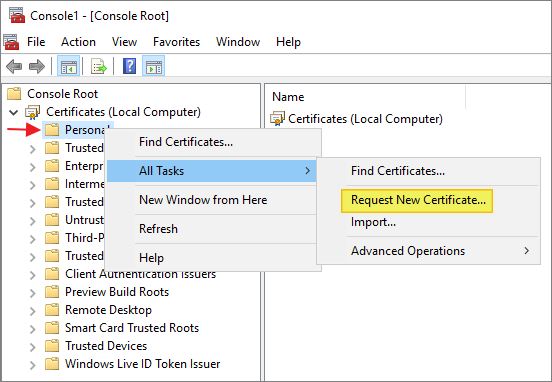
Next…
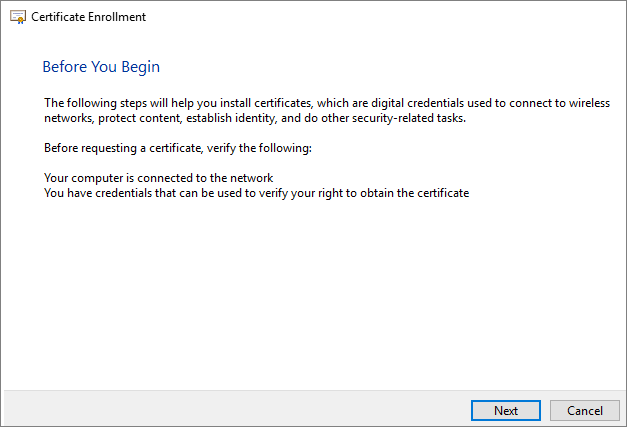
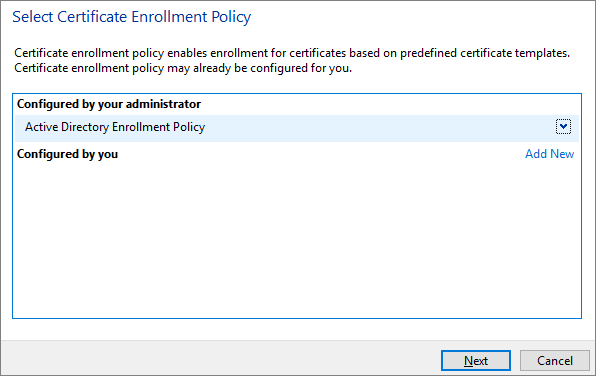
I select the Active Directory Enrollment Policy, Next…
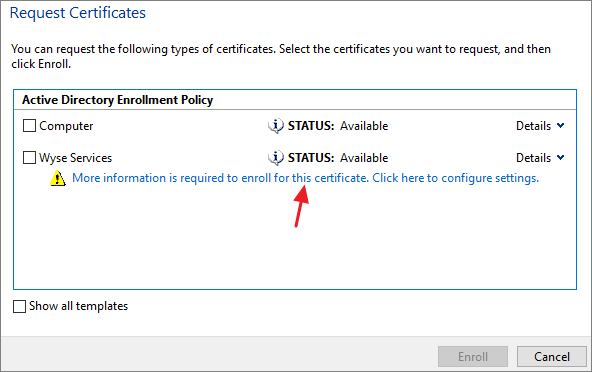
Click here to configure Certificate Properties…
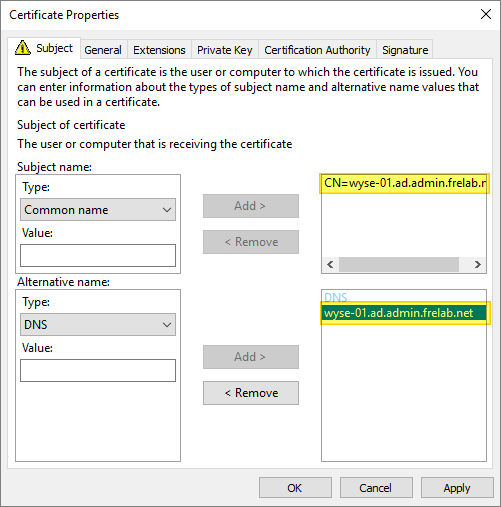
Under the Subject tab, I add my WMS server’s FQDN as Common Name and DNS
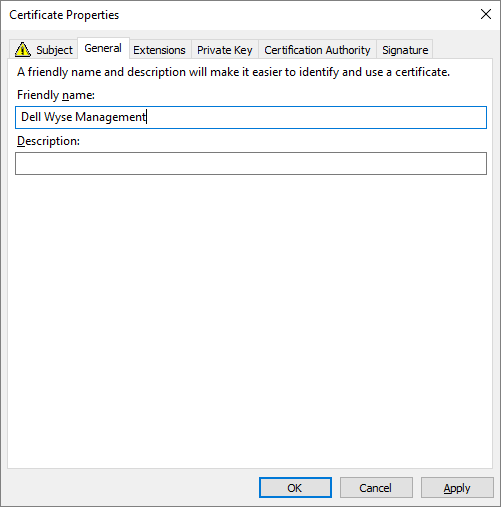
Under the General tab, I give the certificate a Friendly name
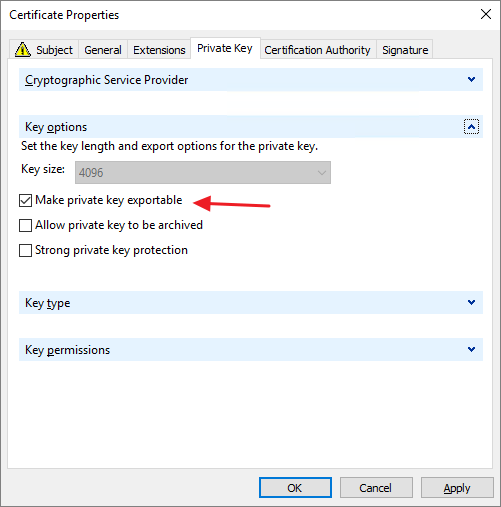
From the Private Key tab, I make sure to tick the “Make private key exportable” option, once done I click OK…
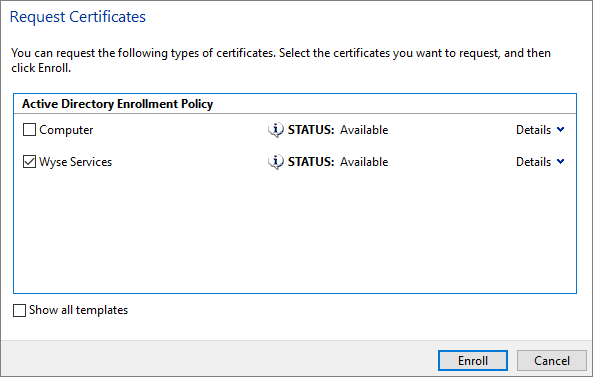
With the certificate properly configured, I select my Enrollment Policy and click Enroll…
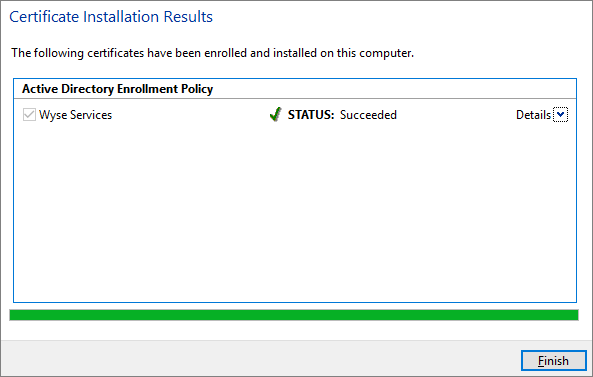
With the Certificate Installation completed successfully, I click Finish…
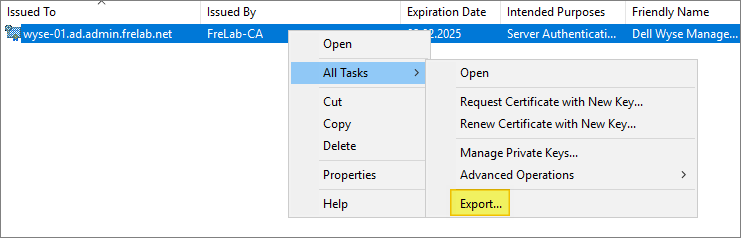
I can now see that the certificate is present in the Certificates MMC. This I will export in order to use it with Dell WMS. I right-click and select Export…
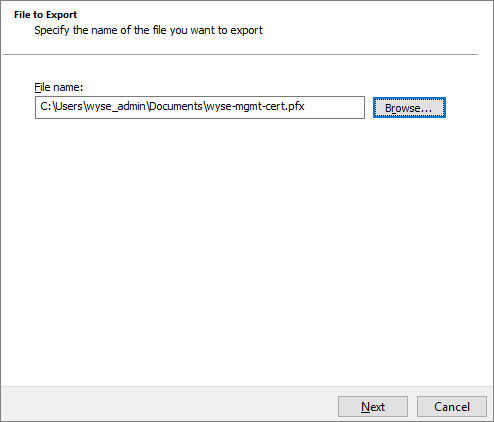
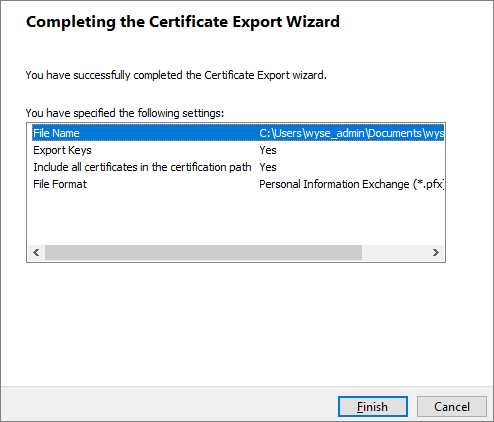
I run through the export procedure as follows
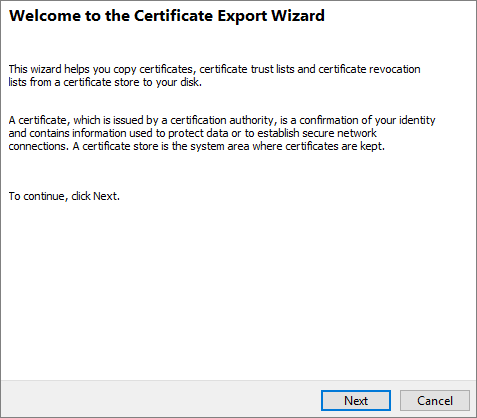
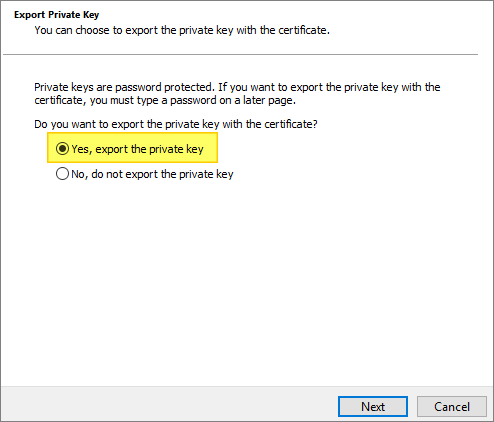
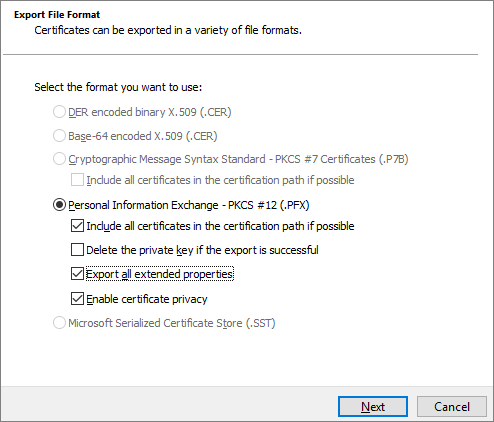
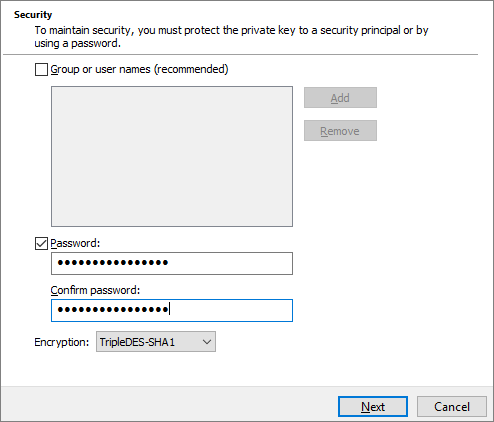
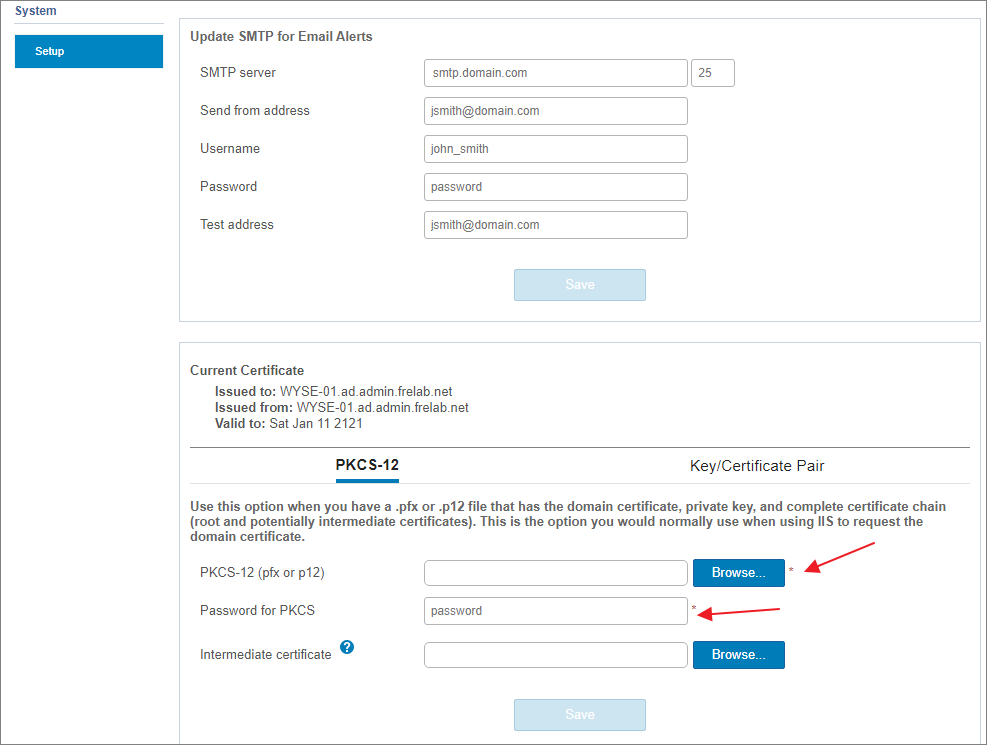
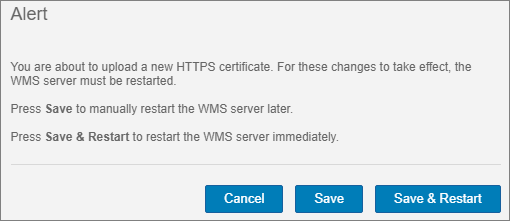
I log in to my WMS server and click Portal Administration from the top menu. From System Setup, I browse and select the certificate I exported above and provide the password. WMS now asks to save and restart in order to activate the change.
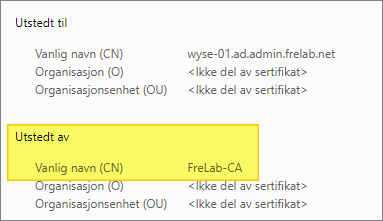
After a restart, I verify that the certificate is issued by the Domain CA and valid.
This concludes the certificate configuration of WMS. The next logical step for me is to configure the DHCP options for my WYSE clients. This I have documented here: Dell WMS – DHCP Configuration
Other miscellaneous Tips & Tricks
Official Dell documentation:
- Dell Wyse Management Suite Version 4 Administrator’s Guide
- Dell Wyse Management Suite Version 3.x and 4.x Deployment Guide
Disclaimer: Every tips/tricks/posting I have published here, is tried and tested in different it-solutions. It is not guaranteed to work everywhere, but is meant as a tip for other users out there. Remember, Google is your friend and don’t be afraid to steal with pride! Feel free to comment below as needed.
 bjosoren's IT-Tech blog
thanks a stressful morning and you helped me 🙂
LikeLike